Key takeaways
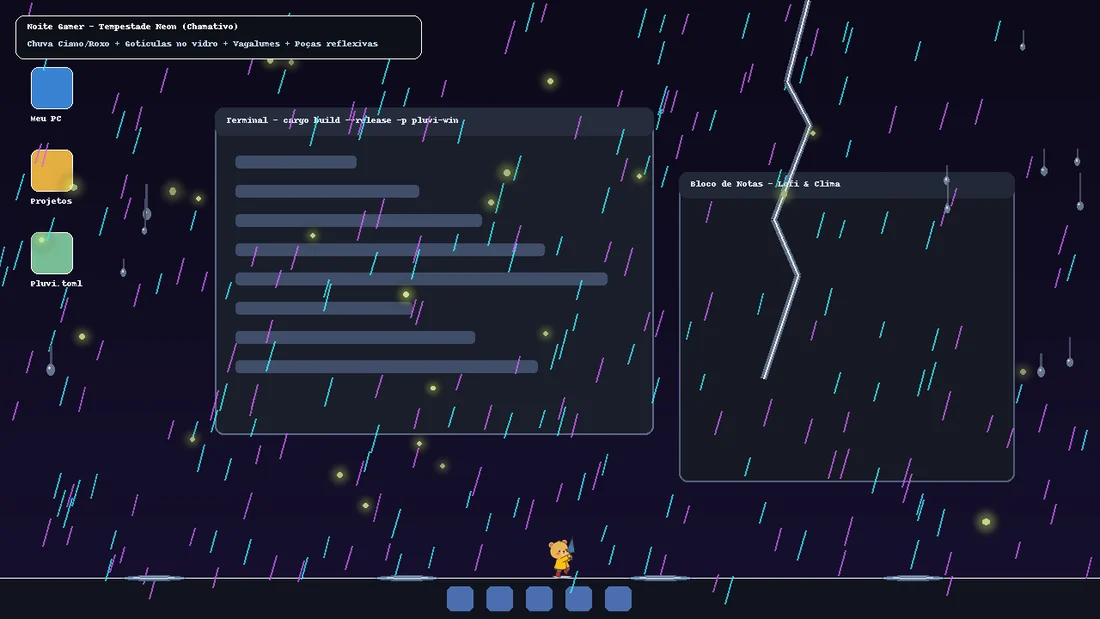
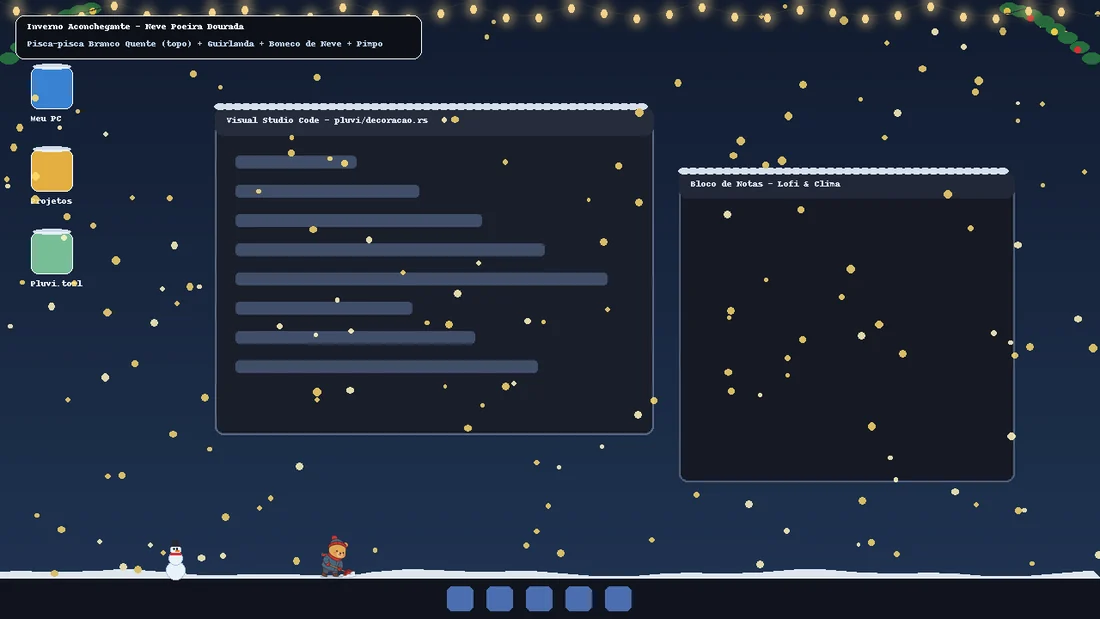
- Droplets trace the top edges of Chrome, VS Code, Terminal, and Word.
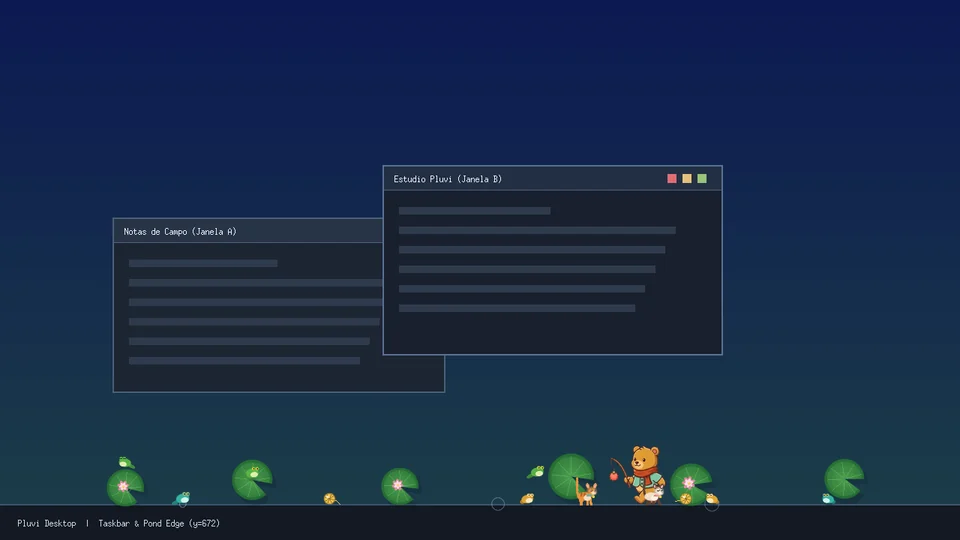
- Gentle taskbar water ripples react when Pimpo walks across.
- Full control over droplet density, opacity, and offline soundscape.
Raindrops that react to your real open apps
Instead of looping behind apps, Pluvi inspects open window rectangles natively and lets droplets bounce gently across active title bars without intercepting mouse clicks or typing.
Built-in continuous rain ambiance offline
Blend light drizzle or steady rain directly from the tray audio mixer alongside optional Lo-fi tracks — zero web tabs needed.
Frequently asked questions
Can I keep rain running behind or over windows at low intensity?
Yes, sliders let you tune intensity, speed, and automatic fullscreen pause anytime.
How much RAM does all-day rain use?
The native Rust app averages ~12–22 MB RAM and < 0.7% CPU.