Key takeaways
- Click-through transparent overlay keeps clicks, typing, and shortcuts 100% unobstructed.
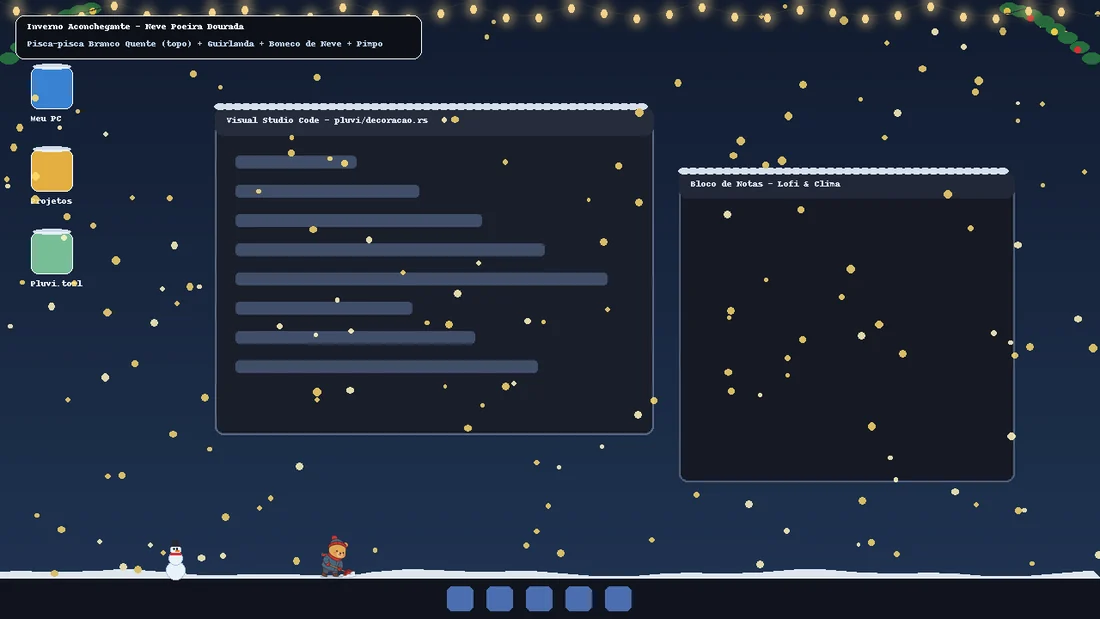
- Real window physics: rain droplets bounce off open window edges, while snow accumulates and drops when you shake a window.
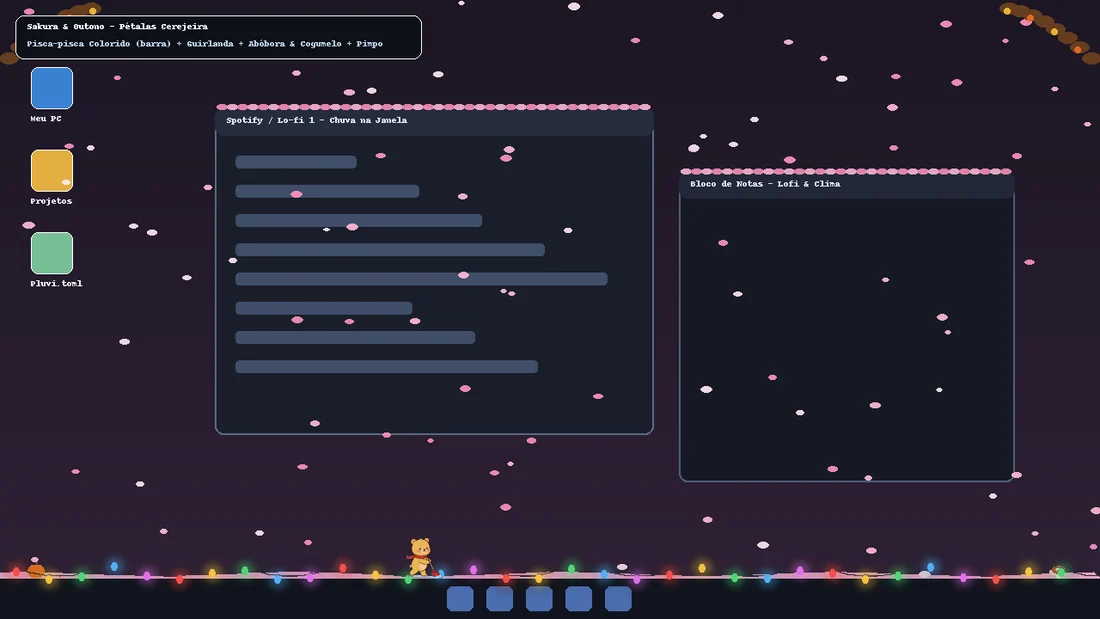
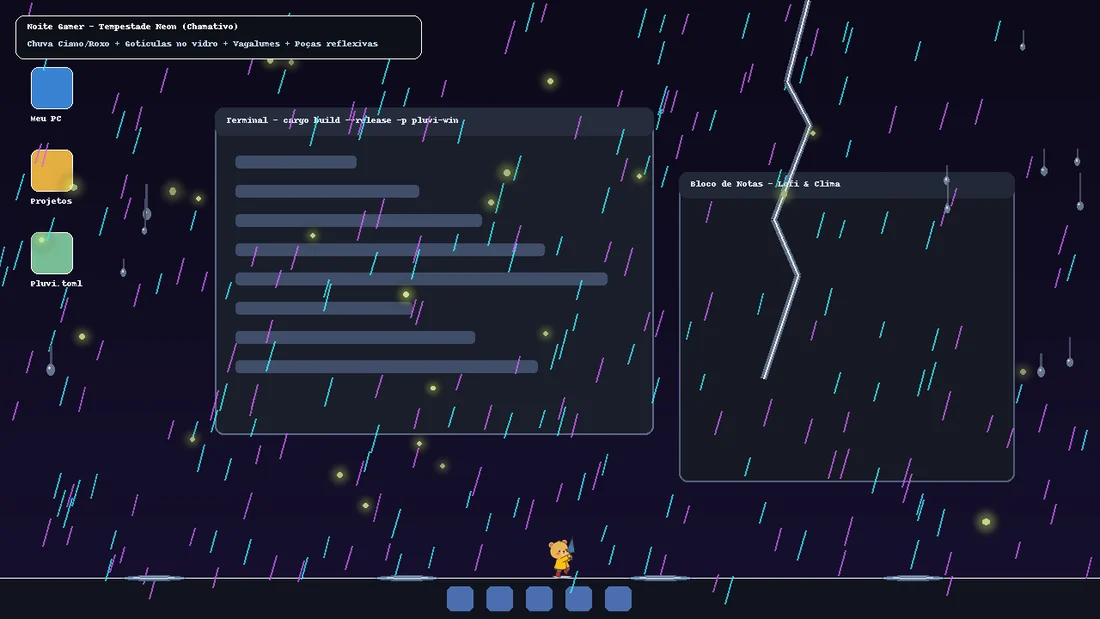
- All 7 weather engines included out of the box: Rain, Thunderstorm, White & Golden Snow, Autumn Leaves, Sakura, Neon Rain, and Starfall.
- Includes a built-in 7-day full free trial (zero credit card) on Windows (.exe/.zip) and Linux (.deb/.tar.gz).
Why a native overlay beats background video loops
Traditional animated wallpaper utilities run heavy MP4 video files behind your desktop icons. That consumes hundreds of megabytes of RAM and disappears completely as soon as you open a browser, IDE, or document editor.
A native Rust overlay draws a feathered transparent surface aligned with your active OS window geometry while passing every mouse click cleanly through to the software underneath.
- Raindrops splash along the top border of Chrome, VS Code, Terminal, and Word.
- Shaking an open window shakes loose accumulated snow or autumn leaves naturally.
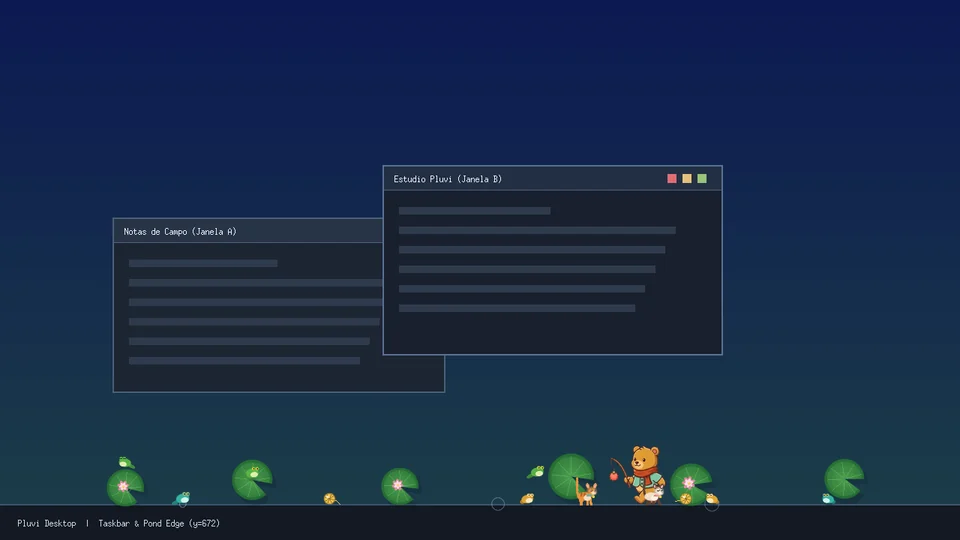
- Custom glowing fairy/string lights can be drawn directly along monitor edges or window frames.
Built cleanly for Windows 10/11 and Linux (X11 & Wayland)
Pluvi ships dedicated native builds: pluvi-win for Windows 10/11 (~6.9 MB setup .exe or portable .zip) and pluvi-linux for Debian/Ubuntu (.deb ~5.0 MB) and generic Linux desktops (.tar.gz).
Both X11 and modern Wayland Linux sessions are supported — giving Linux desktop users a genuine cozy companion app without browser hacks.
On first launch, Pluvi automatically plays a visual interactive welcome tour right over your real desktop showing every weather mode and companion.
Automatic 0% CPU pause for fullscreen games and meetings
Worried about background animations stealing FPS in games or playing rain sounds during a work call? Pluvi automatically freezes overlays and mutes audio to 0% CPU whenever fullscreen games launch or video call apps like Zoom, Microsoft Teams, Google Meet, or Discord become active.
All 7 interactive desktop weather modes included in Pluvi
| Weather Mode | On-Screen Window Interaction | Included Soundscape |
|---|---|---|
| Rain & Thunderstorm | Glass droplets + distant lightning & taskbar ripples | Continuous procedural rain + thunder |
| White & Golden Snow | Accumulates on windows/taskbar; drops on window shake | Soft winter breeze ambiance |
| Autumn Breeze | Warm golden leaves swept gently by Pimpo the bear | Crisp autumn wind soundscape |
| Sakura Blossom | Cherry blossom petals drifting across monitors | Calm breeze + 3 offline Lo-fi tracks |
| Neon Rain | Cyan/purple neon drops tailored for dark setups | City rain ambiance + offline Lo-fi |
| Starfall Night | Shooting stars & constellations across 3 twilight themes | Quiet nocturnal atmosphere |
Frequently asked questions
Do Pluvi weather overlays interfere with mouse clicks or shortcuts?
No. Every overlay uses OS-level click-through transparency so typing, dragging, and gaming stay completely unaffected.
Can I keep my current desktop wallpaper under the rain or snow?
Yes. You can overlay weather on top of any existing wallpaper, pick one of Pluvi’s 12 illustrated wallpapers, or enable automatic theme matching.
How long is the free trial and does it need a credit card?
Every official Windows and Linux download includes a full 7-day free trial with zero credit card and zero sign-up required.