Points clés
- .deb (~5,0 Mo) avec résolution automatique des paquets via apt.
- Archive universelle .tar.gz (~5,1 Mo) pour toute distribution Linux moderne.
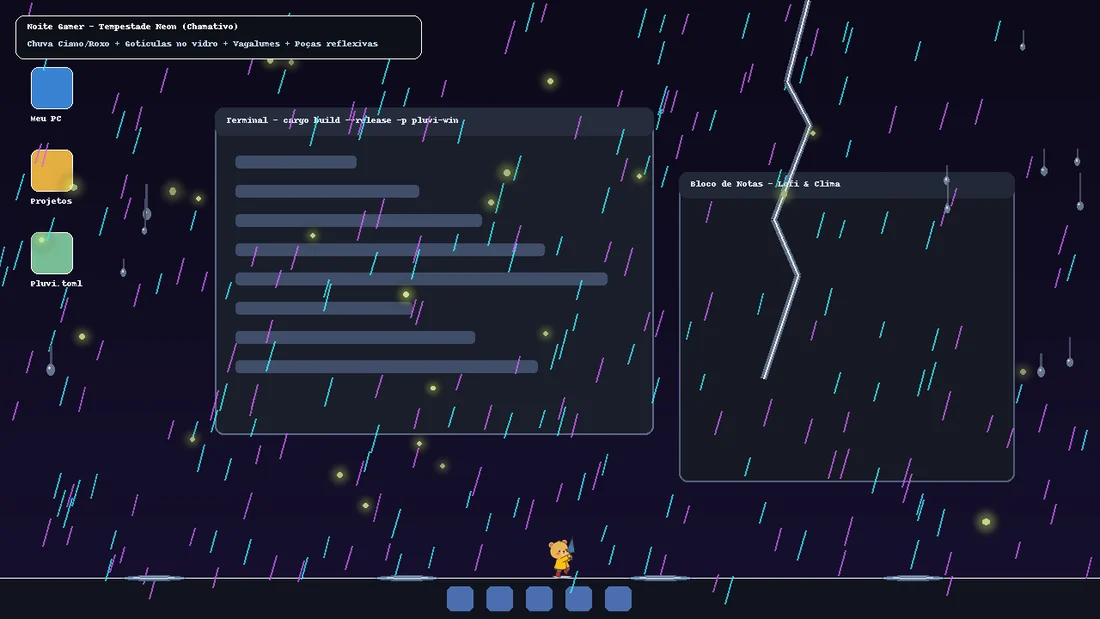
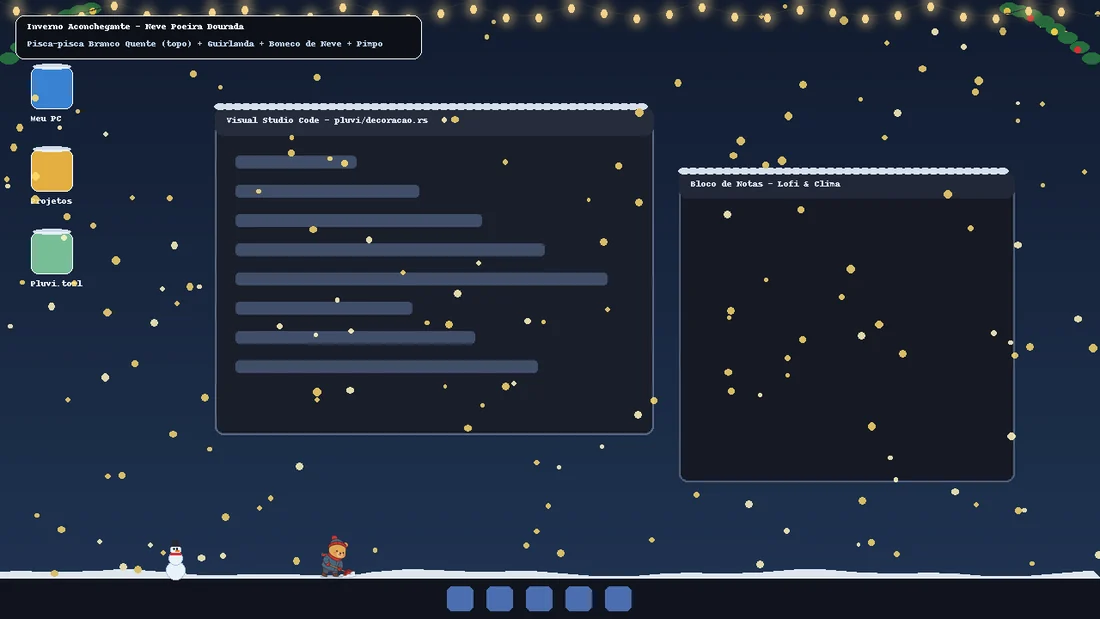
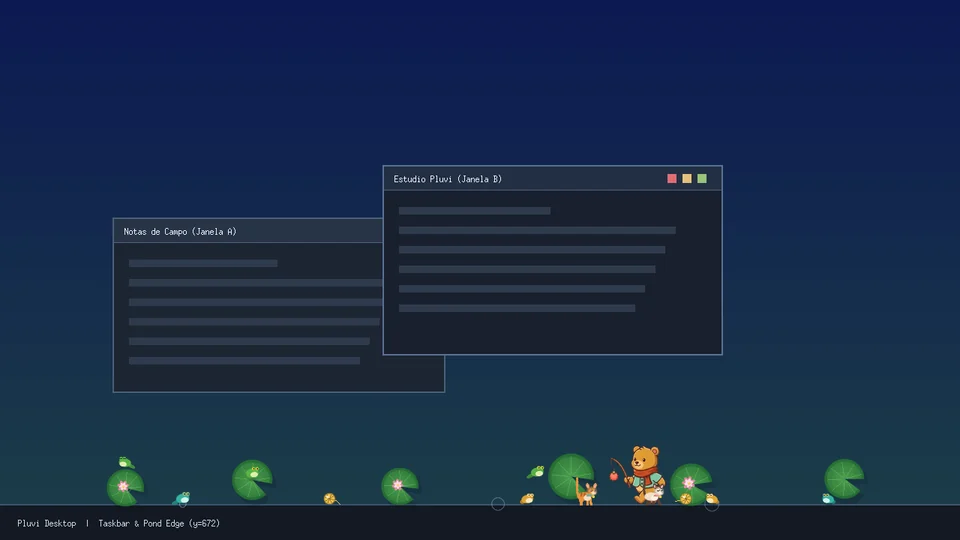
- Surcouche transparente prise en charge sous X11 comme sous Wayland.
Une commande terminal sur Debian / Ubuntu
Depuis votre dossier Téléchargements, exécutez `sudo apt install ./Pluvi-Linux-amd64.deb` pour intégrer Pluvi directement à votre lanceur d’applications.
Questions fréquentes
Le mode click-through marche-t-il sous Ubuntu Wayland ?
Oui, Pluvi gère les régions d’entrée transparentes sous X11 ainsi que sous Wayland.